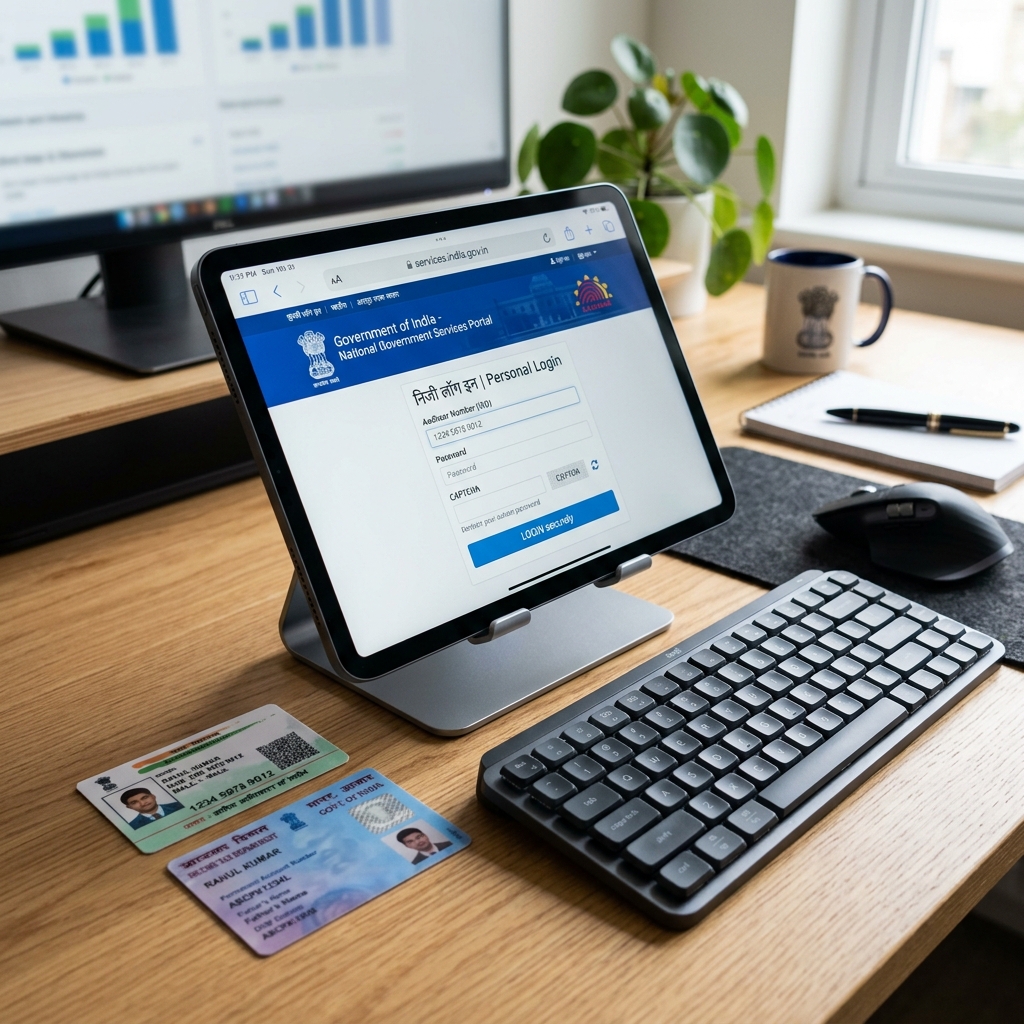
Congratulations! Your name change is published in the official Central Gazette of India. The official Gazette authority has uploaded your notification on the official portal, and you have downloaded the digital PDF copy. While this publication is the ultimate legal instrument confirming your change of name, it does not automatically update your database records across various government registries.
To finalize your new identity, you must sequentially update your individual government-issued identity cards, tax profiles, banking files, and asset titles. This 2,500+ word guide outlines the exact procedures, portals, fee structures, and sequence required to update your Aadhaar card, PAN card, Indian Passport, bank accounts, voter ID, driving license, and educational credentials.
The Critical Update Sequence
When updating your identity cards, you must follow a strict sequential order. Attempting to update your passport or bank records before updating your Aadhaar card will result in immediate rejection, as most secondary databases verify your identity using real-time Aadhaar e-KYC.
graph TD
    A[Central Gazette PDF Download] --> B[Step 1: Update Aadhaar Card]
    B --> C[Step 2: Update PAN Card]
    C --> D[Step 3: Link PAN-Aadhaar]
    D --> E[Step 4: Update Indian Passport]
    E --> F[Step 5: Update Bank Accounts & Demat]
    F --> G[Step 6: Update Voter ID & DL]
    G --> H[Step 7: Update School Boards & Degrees]
Let’s dive deep into the specific procedure for each document.
Step 1: How to Update Your Name on Aadhaar Card
Aadhaar is the foundation of your identity in India. You can update your Aadhaar card using the online portal (for minor corrections) or by visiting an Aadhaar Seva Kendra (for major changes requiring biometrics).
Method A: Online Update via MyAadhaar Portal
The online method is fast and convenient for standard spelling corrections or updating a married surname.
- Log In: Go to the official UIDAI portal at myaadhaar.uidai.gov.in.
- OTP Login: Enter your 12-digit Aadhaar number, complete the Captcha, and click “Send OTP”. Enter the one-time password sent to your registered mobile number.
- Select Update Field: Navigate to “Address Update Online” or “Document Update”. Under the personal details update section, select “Name”.
- Enter New Name: Type your new name spelling exactly as it appears in the published Central Gazette notification.
- Upload Documents: Upload a scanned PDF copy (maximum size 2MB) of your published Gazette of India notification and your notarized affidavit.
- Pay Fee: Pay the non-refundable update fee of ₹50 online using a credit card, debit card, UPI, or net banking.
- Acknowledgement: Download the Acknowledgement slip containing your 14-digit Update Request Number (URN) to track the status.
Method B: Offline Update at Aadhaar Seva Kendra (ASK)
If your name change is significant (such as changing both first name and surname) or if your mobile number is not linked to your Aadhaar card, you must visit an Aadhaar Seva Kendra in person.
- Book Appointment: Go to the UIDAI website and book an appointment at your nearest Aadhaar Seva Kendra to bypass long lines.
- Form Submission: Fill out the Aadhaar Update Form, checking the “Name Correction” box. Write your new name clearly in block letters.
- Document Verification: Present the original printed Gazette of India notification page containing your name change announcement, the original affidavit, and your current ID proofs.
- Biometric Capture: The operator will scan your fingerprints and iris, and take a fresh photograph.
- Pay Fee: Pay the update fee of ₹50 (or ₹100 if you are also updating biometric details) at the cash counter.
- Timeline: The update is typically approved and updated in the central database within 5 to 7 working days. You can download your e-Aadhaar card immediately after approval.
Step 2: How to Update Your Name on PAN Card
Once your Aadhaar card is updated, you should proceed to update your PAN (Permanent Account Number) card. Your PAN card details must match your Aadhaar card to enable file linking, tax filing, and bank operations.
Step-by-Step PAN Card Update Procedure
+-----------------------------------------------------------+
|                   NSDL PAN UPDATE CONSOLE                 |
|                                                           |
|  [ ] 1. Select "Changes or Correction in PAN Data"        |
|  [ ] 2. Enter current PAN and personal details.           |
|  [ ] 3. Check box next to "Name Change" field.            |
|  [ ] 4. Select "Gazette Notification" as supporting proof. |
|  [ ] 5. Complete Aadhaar e-KYC using mobile OTP.          |
|  [ ] 6. Pay ₹110 fee (domestic) or ₹1,020 (foreign).      |
+-----------------------------------------------------------+- Visit Portal: Go to the NSDL (Protean) Tax Information Network portal (tin-nsdl.com) or the UTIITSL portal.
- Application Type: Select “Application Type” as “Changes or Correction in existing PAN Data / Reprint of PAN Card (No modifications in existing PAN Data)”.
- Category: Select “Category” as “Individual”.
- Applicant Details: Fill in your details. Under the name field, enter your new name spelling. Check the box next to your name to indicate you are requesting a change.
- Aadhaar Validation: Enter your updated Aadhaar number. Ensure the name spelling you enter matches your updated Aadhaar card exactly.
- Supporting Document Selection: Under the list of supporting documents, select “Gazette Notification” for name change.
- Pay Fee:
- ₹110 if the physical PAN card is to be dispatched within India.
- ₹1,020 if the physical PAN card is to be dispatched to a foreign address.
- e-Sign Authentication: Authenticate the application using Aadhaar e-Sign. An OTP will be sent to the mobile number registered with your Aadhaar card. Once authenticated, your application is submitted digitally.
- Processing: The updated PAN card will be processed and a new physical card containing your updated name and signature will be dispatched to your registered address within 10 to 15 working days.
Step 3: How to Update Your Name on Indian Passport
Updating your passport requires a fresh passport issuance, as the passport booklet itself must be reprinted to reflect your new name.
Step-by-Step Passport Update Procedure
- Register Profile: Go to the Passport Seva portal (passportindia.gov.in) and register or log in using your existing account.
- Apply for Re-issue: Click on “Apply for Fresh Passport/Re-issue of Passport”.
- Re-issue Reason: Select the reason for re-issue as “Change in Existing Personal Particulars” and check the box for “Change of Name”.
- Fill Application: Fill out the online application form. Enter your new name in the designated field. Ensure the details match your Gazette notification and updated Aadhaar card.
- Schedule Appointment: Book an appointment at your local Passport Seva Kendra (PSK) or Post Office PSK (POPSK) by paying the passport fee:
- Normal Scheme: ₹1,500 (36 pages booklet) or ₹2,000 (60 pages booklet).
- Tatkaal Scheme: Additional ₹2,000 fee for expedited processing.
- PSK Interview Document Checklist: Carry the following documents to the PSK for verification:
- Printout of the Passport Application Receipt.
- Original published Central Gazette of India notification.
- Original notarized affidavit.
- Full original pages of both newspapers containing your advertisement.
- Self-attested copy of your updated Aadhaar card and PAN card.
- Your current physical passport booklet.
- Verification & Issue: The passport officer will verify the physical documents. Once approved, police verification will be initiated (if required). Your new passport booklet will be printed and dispatched within 15 working days (Normal) or 3 days (Tatkaal).
Step 4: How to Update Your Name in Bank Accounts
To prevent issues with salary credits, tax refunds, and checks, you must update your name in all your active bank accounts, mutual funds, and demat accounts.
Standard Banking KYC Procedure
You must visit your bank branch in person and submit a physical update request:
- Request Form: Ask for the KYC Change / Details Update Form at the customer service desk.
- Supporting Documents: Attach self-attested photocopies of:
- Downloaded Gazette of India notification PDF page.
- Updated Aadhaar card and PAN card.
- Notarized affidavit.
- Sign Verification: Provide your updated signature. If you have changed your signature along with your name, you must fill out a fresh signature card in the presence of the branch manager.
- Issue New Cards: Request the bank to issue a fresh cheque book and a new debit card reflecting your updated name.
- Demat & Mutual Funds: Update your name on your investment accounts by submitting a Central KYC (C-KYC) update request through your registered broker (e.g., Zerodha, Groww) or mutual fund registrar (e.g., CAMS, Karvy).
Step 5: Updating Other Secondary Documents
Once your core documents (Aadhaar, PAN, Passport, and Banks) are updated, you should proceed to update your secondary credentials.
🚗 A. Driving License (DL) & Vehicle Registration (RC)
- Go to the Parivahan Sarathi portal (sarathi.parivahan.gov.in) or visit your local RTO.
- Apply for “Services on DL” and select “Change of Name”.
- Upload your Gazette notification, affidavit, and updated Aadhaar.
- Pay the RTO fees. Once processed, your updated driving license will be dispatched.
🗳️ B. Voter Identity Card (EPIC)
- Go to the National Voters’ Service Portal (voters.eci.gov.in).
- Fill out Form 8 for correction of entries in the electoral roll.
- Select “Name Change” and upload your updated Aadhaar card and Gazette copy.
- The local Electoral Registration Officer (ERO) will verify and issue an updated voter card.
🎓 C. School Boards and University Degrees
Updating your school and university degrees is crucial for higher studies and visa applications.
- CBSE / ICSE Board: Submit an application to the board office along with the Gazette copy, newspapers, affidavit, and your original school files. CBSE requires the change request to be forwarded by your school principal.
- State Universities: Submit an application to the Registrar of the University. You must pay the degree migration/re-issue fee. The university will issue a fresh degree or a correction certificate.
Summary of Fees and Timelines
Below is a summary of the fees and processing timelines for updating your documents after Gazette publication:
| Document Profile | Online Portal / Agency | Standard Fee | Processing Time |
|---|---|---|---|
| Aadhaar Card | myaadhaar.uidai.gov.in | ₹50 | 5 - 7 Days |
| PAN Card | tin-nsdl.com / utiitsl.com | ₹110 | 10 - 15 Days |
| Passport | passportindia.gov.in | ₹1,500 | 15 Working Days |
| Driving License | sarathi.parivahan.gov.in | ₹200 - ₹500 | 15 - 30 Days |
| Voter ID Card | voters.eci.gov.in | Free | 15 - 25 Days |
| Bank Account | Local Bank Branch | Free | 2 - 3 Days |
Conclusion
Securing your Gazette of India notification is the major milestone in the name change process, but updating your individual government identity cards, tax files, and bank records is essential to make your new identity fully operational. By following the sequential update path—starting with Aadhaar, followed by PAN, Passport, and bank accounts—you can transition to your new name smoothly.
If you are overwhelmed by the paperwork, booking portals, or RTO procedures, our document updates helpdesk is here to assist. We guide you through each update step, prepare your application files, and ensure your databases link correctly without errors.